I Built the Same Microlearning in Rise 360 and 7Taps. Here’s What Changed.
For one of my graduate courses in Learning Design and Technology, I had to create a short microlearning experience. I designed mine for healthcare employees who interact with patients’ family members and visitors. The goal was to give employees practice responding empathetically when a family member is frustrated, particularly when they have been waiting for information.
I built the final project in Rise 360. By the time I finished, I had a complete microlearning experience with AI-generated character visuals, an audio resource developed from AHRQ content, three strategies for responding to frustrated family members, and a scenario where learners could practice choosing an appropriate response.
Technically, I was done. But somewhere along the way, I discovered 7Taps, and I wanted to see what would happen if I built the exact same learning experience again.
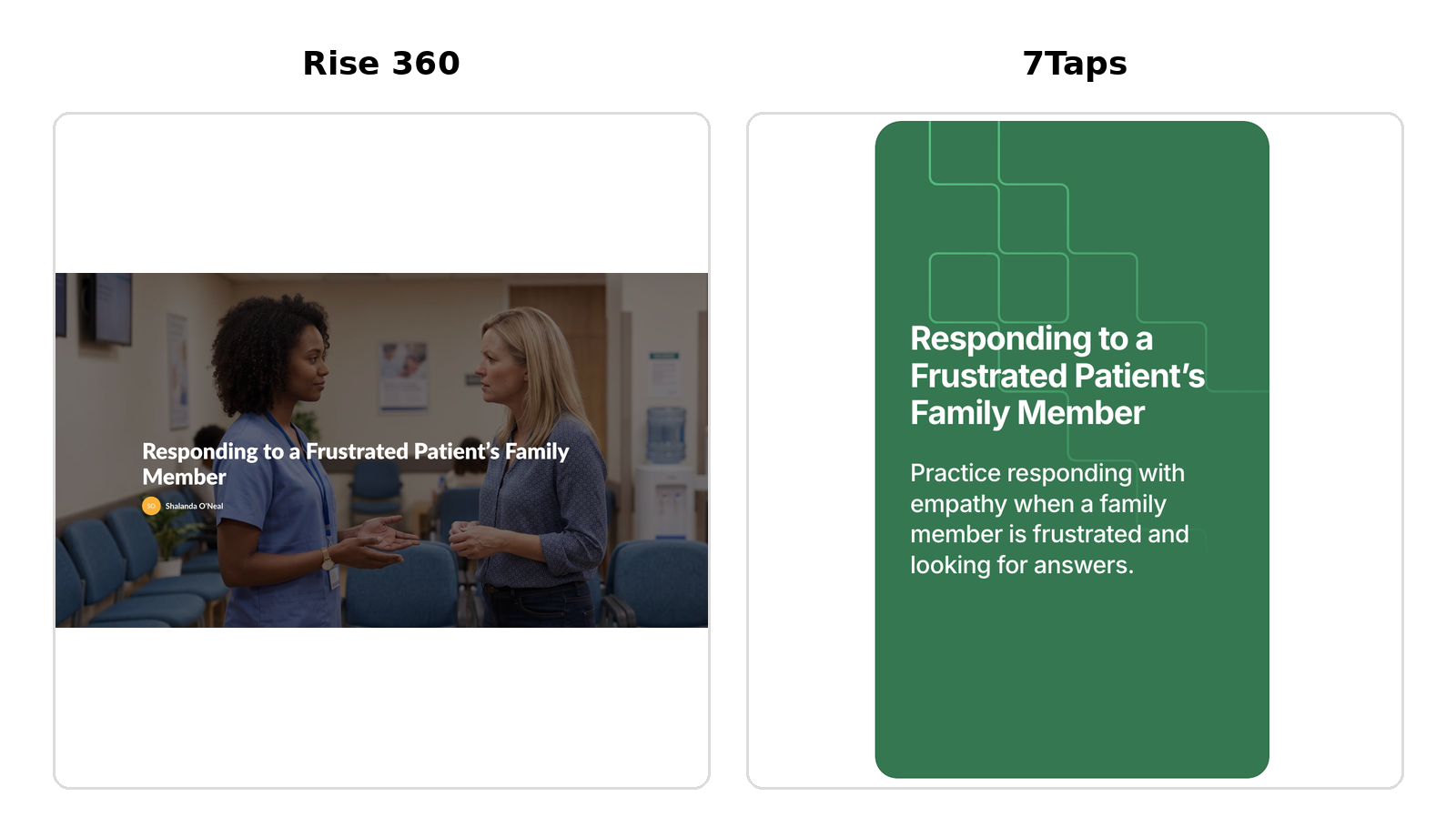
The same microlearning experience built in Rise 360 and 7Taps.
Same Microlearning, Different Platform
When I rebuilt the experience in 7Taps, I quickly noticed that it approached microlearning differently. Rise gave me more room to build out the experience, while 7Taps pushed me toward shorter, mobile-friendly pieces of content. That difference became especially noticeable with my audio. The audio I used in Rise was longer than 60 seconds, which exceeded the audio upload limit in 7Taps, so I used 7Taps’ built-in text-to-speech feature to create a shorter audio experience focused on the information learners needed before completing the scenario. What initially felt like a limitation actually made me reconsider how much information was necessary for a five-minute learning experience.
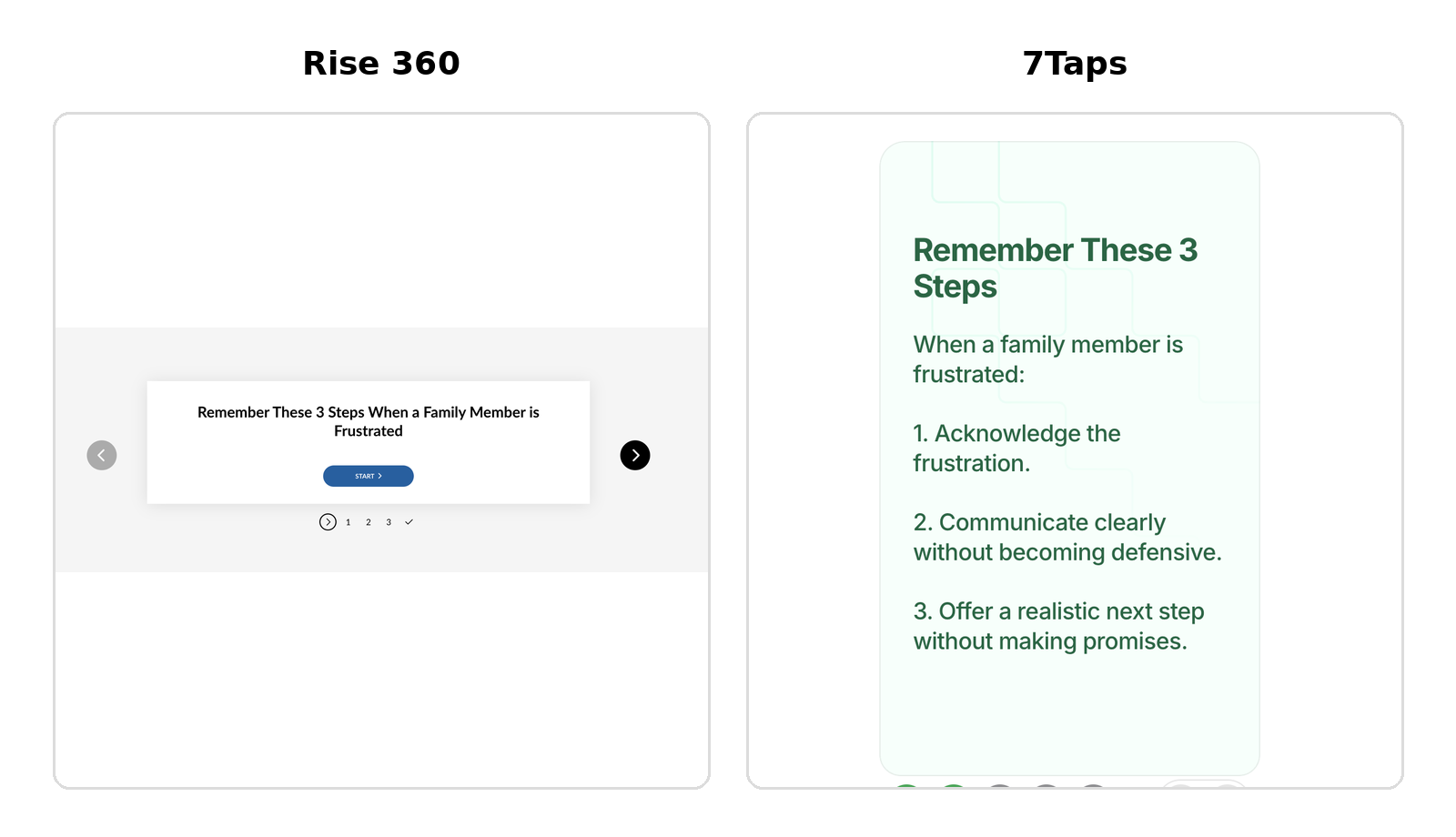
The same three strategies presented as an interactive process in Rise 360 and a single card in 7Taps.
Price also changes how I look at the comparison. Articulate 360 is a much larger authoring ecosystem, with Rise 360 being one part of that subscription, while 7Taps is specifically designed around rapid microlearning. I wouldn't expect the two platforms to offer the same capabilities at their different price points. Instead, I started thinking about what I was getting for the investment and what a particular project actually required. For a short learning experience like this one, I didn't necessarily need every capability available in a larger authoring suite.
The Constraints Made Me Edit Differently
The card-based format of 7Taps made me much more conscious of how much information I was putting in front of the learner at one time. At one point, the platform warned me that my content might not fit well on smaller displays. Instead of ignoring the warning, I shortened the content.
The practice activity changed too. In the free version of 7Taps I was using, some of the quiz feedback features I wanted were only available with a paid plan. I rebuilt the scenario using a native quiz and followed it with a separate card explaining why the strongest response worked. It wasn't the same interaction I originally envisioned, but it still supported the same learning outcome.
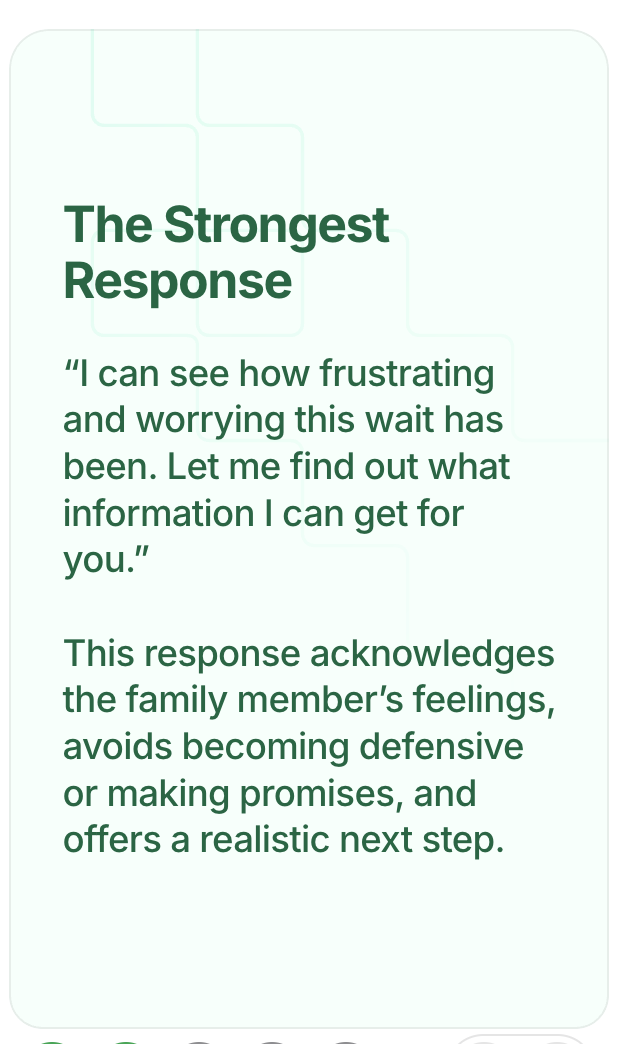
That distinction became important to me. Rebuilding the project wasn't about making the 7Taps version look exactly like the Rise version. It was about figuring out how to accomplish the same instructional goal within a different environment.
Rise Made Me Simplify Too
Interestingly, Rise wasn't completely free of constraints either. I had created an interactive scenario in Claude that provided learners with immediate feedback based on the response they selected. I originally planned to incorporate that interaction into my Rise module, but I wasn't able to embed it using the version of Rise 360 I had access to. Instead of abandoning the scenario, I adapted the practice to work within Rise.
I encountered another issue during final testing when the navigation after my three-step process activity wasn't moving into the closing content as smoothly as I wanted. I could have continued troubleshooting it, but eventually I asked myself a more useful question: Did the learner actually need that final section? They didn't. The three-step process already provided a natural conclusion, so I removed the additional content.
Both experiences reinforced something I was beginning to notice while building the 7Taps version too: sometimes the best response to a technology constraint isn't finding a workaround. It's reconsidering what the learner actually needs.
Try Both Versions
If you want to see how the same microlearning experience translated across both platforms, you can explore each version:
So, Which One Would I Use?
For this particular project, I chose Rise 360. It gave me more flexibility to incorporate the learning assets and instructional content I had developed throughout the course, which was important for this assignment.
But rebuilding the project in 7Taps made me think differently about microlearning.
The limitations I encountered weren't automatically weaknesses. Some of them forced me to be more intentional about what deserved the learner's time and attention. When you're working with short cards, limited space, and a 60-second audio file, “Do they really need this?” becomes a question you have to answer pretty quickly.
I can see myself choosing differently depending on the project. If I needed more flexibility in the types of content and interactions I wanted to incorporate, Rise would make sense to me. If I wanted a very short, mobile-first learning experience that learners could move through quickly, I would be interested in exploring 7Taps further.
More than anything, building the same project twice reminded me that selecting technology isn't just the last step where we decide how to deliver something we've already designed. The tool can influence the design itself.
And sometimes, rebuilding the same thing in a different tool is exactly what makes you notice that.